

IPTV works through an app, so any device that runs a suitable player app can be used. The main differences between devices are the choice of apps, how fast they run and whether they output 4K.
Compatibility at a glance
| Device | Typical apps | 4K | Guide |
|---|---|---|---|
| Amazon Fire TV Stick | IPTV Smarters Pro, TiviMate | 4K and 4K Max models | Fire TV Stick |
| Android TV / Google TV | TiviMate, IPTV Smarters Pro, Televizo | Most models | Android TV |
| Samsung smart TV (Tizen) | Apps from the Samsung store | 4K TVs | Samsung TV |
| LG smart TV (webOS) | Apps from the LG Content Store | 4K TVs | LG TV |
| Apple TV | Apps from the App Store | Apple TV 4K | Apple TV |
| iPhone, iPad, Android phones | Mobile player apps | n/a | Phones and tablets |
| Windows PC and Mac | VLC, desktop players | Depends on screen | Windows and Mac |
| MAG box | Built-in portal | Some models | MAG box |
Apps we have tested with our service: list the apps the business has verified.
Choosing an IPTV box or stick
If you are buying something new, these points matter more than the brand:
- 4K output, if you have a 4K TV. The basic HD Fire TV Stick, for example, cannot output 4K.
- Enough storage and memory. Player apps and their TV guides take space. Very cheap boxes with little storage slow down quickly.
- A recognised operating system. Choose Google-certified Android TV / Google TV devices or Amazon Fire TV over unbranded boxes, so you get security updates.
- A wired network option. An Ethernet port, or an adapter, gives the most stable picture.
- Nothing “pre-loaded”. A legitimate box comes clean. Boxes advertised as “fully loaded” with free channels are a legal and security risk. Read about dodgy boxes.

Smart TV or plug-in stick?
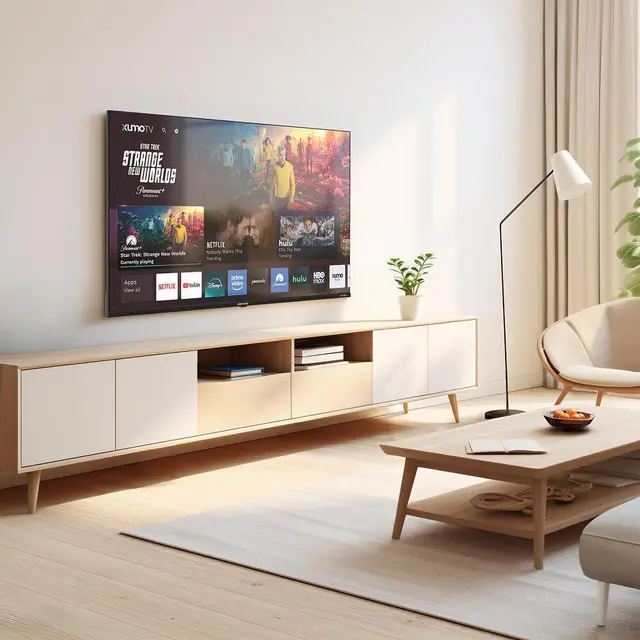
Smart TV apps are convenient because there is nothing to plug in. But TV app stores are smaller, and some IPTV apps on Samsung and LG charge a one-off activation fee set by the app developer. A streaming stick costs a little more upfront but gives you the widest choice of apps and is easy to move between TVs.
Devices with limited support
Some popular devices cannot run IPTV player apps directly. Sky Glass and Sky Stream only run apps approved by Sky. Roku, older Chromecasts, Xbox and PlayStation vary from limited support to none. The guides explain the workarounds, which usually means adding a stick.
Next step: install the app
Once you have chosen your device, follow the matching setup guide and pick a player from our apps and players guide.