Best IPTV players for Windows
| Player | Where to get it | Best for |
|---|---|---|
| MyIPTV Player | Microsoft Store | A free TV-guide style player for Windows 10 and 11 |
| IPTV Smarters (Windows) | The developer’s official website | The same interface as on TV and mobile |
| VLC media player | videolan.org | Quick, free playback of an M3U playlist |
| Kodi with PVR IPTV Simple Client | kodi.tv or the Microsoft Store | A full media centre with TV guide |
Download players only from the official source listed, never from a third-party download site.
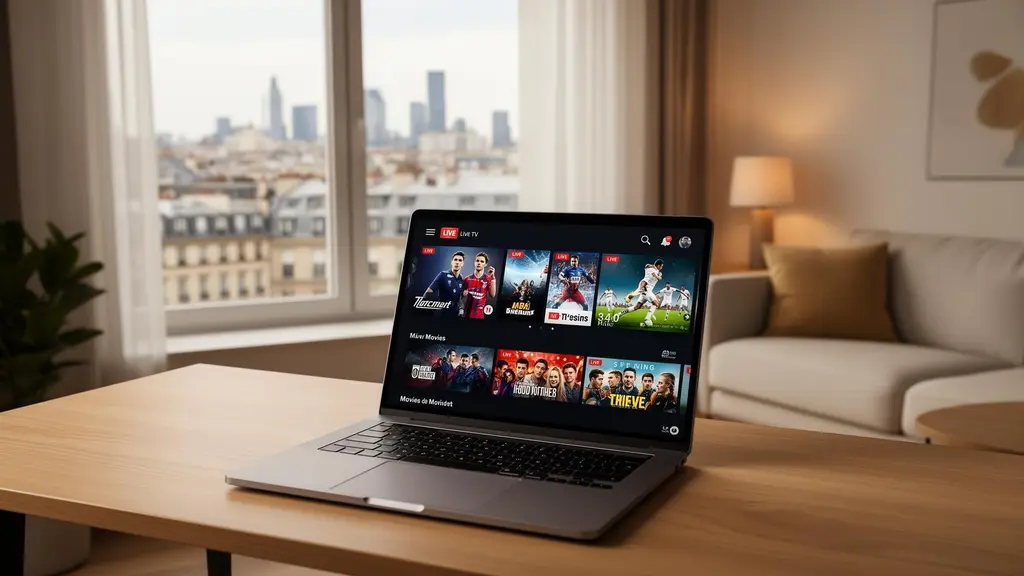
Best IPTV players for Mac
- IPTVX (Mac App Store): a native macOS player with Xtream Codes and EPG support.
- VLC: free, plays M3U playlists. See watching IPTV in VLC.
- Kodi: free and powerful, with a little more setup. See adding IPTV to Kodi.
Quick setup on a computer
- Install your chosen player from the official source.
- Choose Xtream Codes login if offered, and enter your server, username and password. Or paste your M3U link (see M3U playlists).
- Add your EPG link if the TV guide does not load automatically.
Tips for PC and Mac viewing
- Use Ethernet on desktops, or sit close to the router on laptops.
- Plug laptops in. Battery-saving modes can cause dropped frames.
- Connect to a TV with HDMI if you want the big-screen experience without buying a stick.
- Close heavy downloads and cloud syncing while watching live events.
A computer counts as one screen while it is streaming. See multi-screen plans.
