iPhone and iPad
On iOS and iPadOS you install IPTV players from the App Store. Popular options that support Xtream Codes and M3U include IPTVX, GSE Smart IPTV and iPlayTV. Check each listing for current features and price.
- Install the player from the App Store.
- Add a new source and choose Xtream Codes, or M3U URL.
- Enter the details from your welcome message.
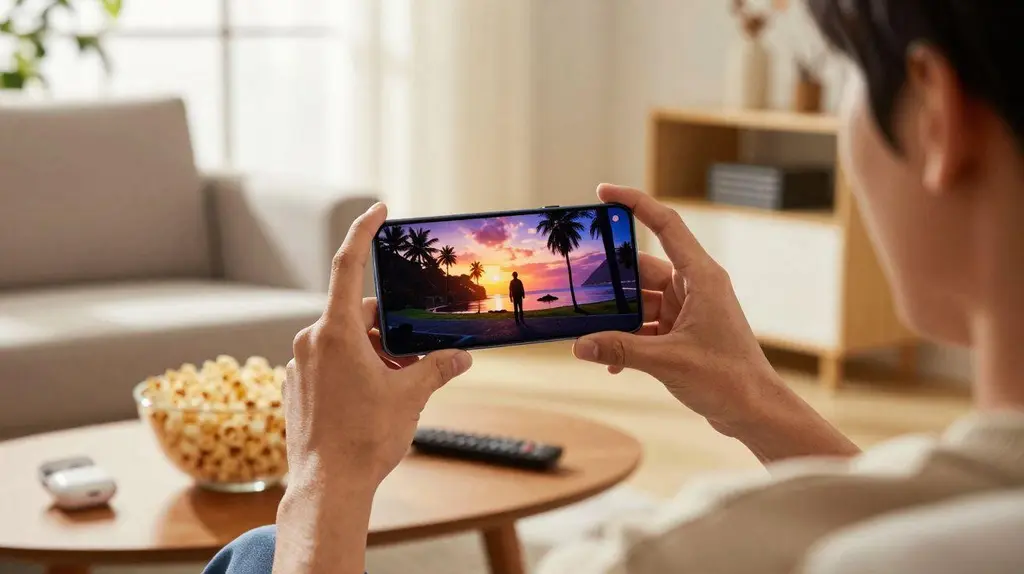
- Turn the phone sideways for full screen. On iPad, picture-in-picture lets you keep watching while you use other apps.
Android phones and tablets
On Android, you can use IPTV Smarters Pro, Televizo or another player from Google Play. See the apps and players guide to compare them. Setup is the same: choose Xtream Codes, enter your details and wait for channels to load.
Watching on mobile data
- HD streaming uses roughly 1 to 3 GB an hour. Check your data allowance.
- Many apps have a quality or buffer setting. Lower quality saves data and helps on weak signal.
- 4G and 5G signal varies a lot indoors. Wi-Fi is usually more stable for live sport.

Casting to a TV
- iPhone or iPad to Apple TV: use AirPlay from apps that support it, or install the same app on the Apple TV for a better experience.
- Android to Chromecast / Google TV: use the cast button in apps that support it.
For anything you watch regularly on the TV, installing the app on the TV device itself is more reliable than casting. Phones and tablets each count as a screen, so check your plan has enough simultaneous screens for your household.