
UK IPTV subscriptionsYour game. Your entertainment. Your way.
Live TV and on-demand entertainment streamed over your broadband to the TV, laptop, tablet and phone you already own.
1-month trial for £10
Test it on your own TV before you choose a plan. £12.99 for the 8K Ultra Max trial. One trial per customer.Trial details




- 1 extra month included
- TV guide with 7-day replay
- Works on TV, laptop, tablet and phone
- Step-by-step setup for 10 device types
What you get with Matchlight
One subscription, the apps you already know, and clear help for every screen in your home.
One login, every screen
Works in the player apps people already use on Fire TV, Android TV, smart TVs, phones and computers.
A guide for every device
Step-by-step device and app guides written for this service.
Clear pricing
The total for the whole period, with the monthly equivalent beside it, so lengths are easy to compare.
A TV guide that fills itself
Programme listings (EPG) where available. Our EPG guide shows how to switch it on.
Sport, the way it should look
Straight answers on what is included, where UK rights sit and how to get a smooth picture for live events. Explore sports.
Football
Match-day setup, the 3pm blackout and where UK football is shown.

Formula 1
Live F1 rights in the UK and how to stream fast motion smoothly.

Boxing
Who shows the big fights, pay-per-view explained and fight-night tips.
Entertainment for every night in
Live channels and on-demand content, organised so you can find something fast. See channels and entertainment.




Choose your plan
Choose how many screens you watch on at the same time. One screen shows our three one-screen plans, and 2 to 5 screens show the Family Pack. Each price is the total for the whole period.
Showing plans for 1 screen.
4K Ultra
4K picture on every length, for one screen
- 4K UHD picture
- 1 screen at a time
- confirm HDR and Dolby support
3 months
£23.99
£8.00 per month
TV guide
Order on WhatsApp
6 months
£39.99
£6.67 per month
TV guide + 3-day replay
Save 16% vs 3 months
Order on WhatsApp12 months+2 free
£54.99
£3.93 per month
TV guide + 7-day replay
Save 50% vs 3 months
Order on WhatsAppLowest monthly price
24 months+4 free
£79.99
£2.86 per month
TV guide + 14-day replay
Save 64% vs 3 months
Order on WhatsApp
8K Ultra Max
Our top plan, with 8K where available, for one screen
- 8K UHD where available
- 1 screen at a time
- confirm HDR and Dolby support
3 months
£29.99
£10.00 per month
TV guide
Order on WhatsApp
6 months
£49.99
£8.33 per month
TV guide + 3-day replay
Save 16% vs 3 months
Order on WhatsApp12 months+2 free
£69.99
£5.00 per month
TV guide + 7-day replay
Save 49% vs 3 months
Order on WhatsAppLowest monthly price
24 months+4 free
£109.99
£3.93 per month
TV guide + 14-day replay
Save 60% vs 3 months
Order on WhatsApp
Family Pack
One account for 2 to 5 screens at the same time
- 2 to 5 screens at the same time
- HD and Full HD, with 4K on longer plans
3 months
£29.99
£10.00 per month
TV guide
Order on WhatsApp
6 months
£52.99
£8.83 per month
TV guide + 3-day replay
Save 11% vs 3 months
Order on WhatsApp12 months+1 free
£79.99
£6.15 per month
TV guide + 7-day replay
Save 38% vs 3 months
Order on WhatsApp24 months+3 free
£119.99
£4.44 per month
TV guide + 14-day replay
Save 55% vs 3 months
Order on WhatsAppLowest monthly price
36 months+6 free
£159.99
£3.81 per month
TV guide + 14-day replay
Save 61% vs 3 months
Order on WhatsApp
Choosing a plan opens WhatsApp with your plan already filled in, so you only need to press send. Prices in pounds sterling. You pay once for the period you choose. "+1 free" means extra months added at no cost, and the per-month figure spreads the price across every month, free months included. "Save" compares that figure with the 3-month plan for the same screens.renewal terms Read the refund and cancellation policy and how ordering works before you order.
Our plans side by side
Premium UK, 4K Ultra and 8K Ultra Max are one-screen plans. The Family Pack covers 2 to 5 screens on one account. All of them use the same apps and login. Read the full comparison.
| Feature | Premium UK | 4K Ultra | 8K Ultra Max | Family Pack |
|---|---|---|---|---|
| Screens at the same time | 1 | 1 | 1 | 2 to 5 (you choose) |
| Plan lengths | 3 to 24 months | 3 to 24 months | 3 to 24 months | 3 to 36 months |
| Free bonus months | Up to 3 | Up to 4 | Up to 4 | Up to 6 |
| Picture quality | HD and Full HD, 4K on 12 months or longer | 4K UHD | 8K UHD where available | HD to 4K, depending on screens and length |
| TV guide (EPG) | Yes | Yes | Yes | Yes |
| Replay | 3 to 14 days on 6 months or longer | 3 to 14 days on 6 months or longer | 3 to 14 days on 6 months or longer | 3 to 14 days on 6 months or longer |
| Live UK channels | to confirm | to confirm | to confirm | to confirm |
| Sports channels (licensed) | to confirm | to confirm | to confirm | to confirm |
| Movies & series on demand | to confirm | to confirm | to confirm | to confirm |
Works on the screens you already own
Pick your device for the right app, the settings that matter and a step-by-step setup guide. All devices.

Smart TVs
Samsung (Tizen) and LG (webOS) TVs run IPTV apps from their own stores, so you need no extra box.
- Smart TV players
- MAC activation
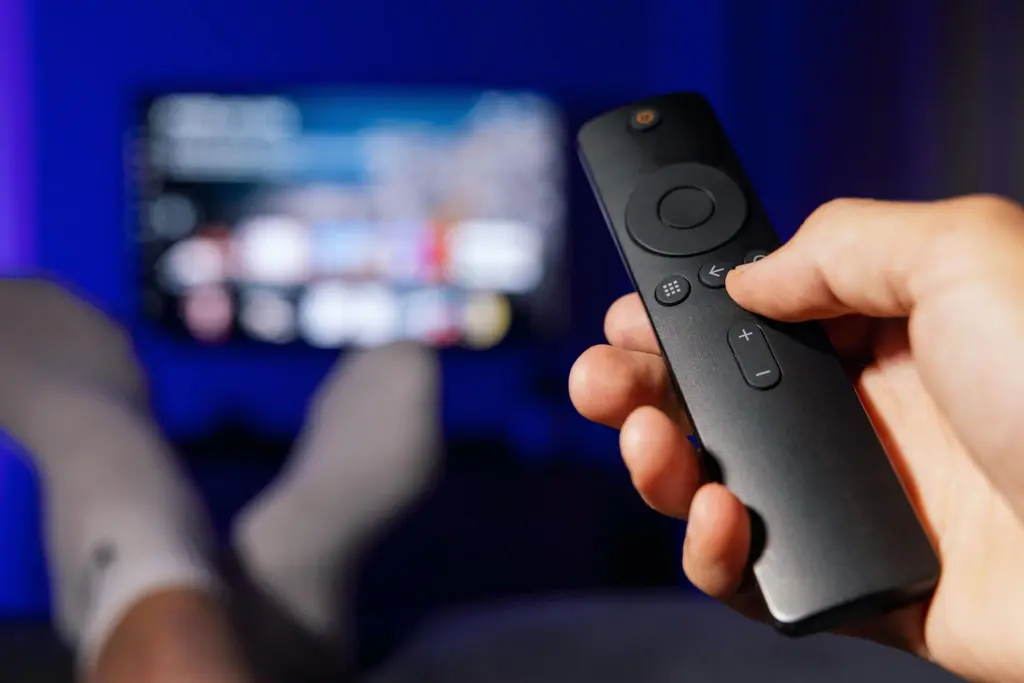
Fire TV
The UK’s most popular streaming stick, with the widest choice of player apps.
- IPTV Smarters Pro
- TiviMate
Android TV
Google TV devices, Nvidia Shield and TVs with Android built in.
- TiviMate
- Televizo
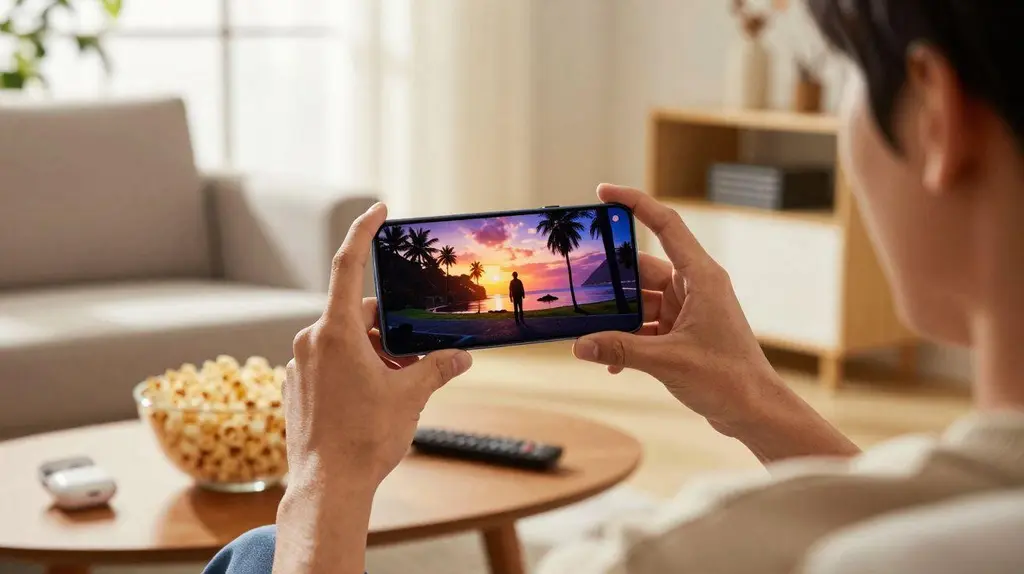
Smartphones
iPhone and Android phones, for watching in any room or casting to the TV.
- iOS players
- Android players

Tablets
iPad and Android tablets, with picture-in-picture on supported apps.
- IPTVX
- IPTV Smarters
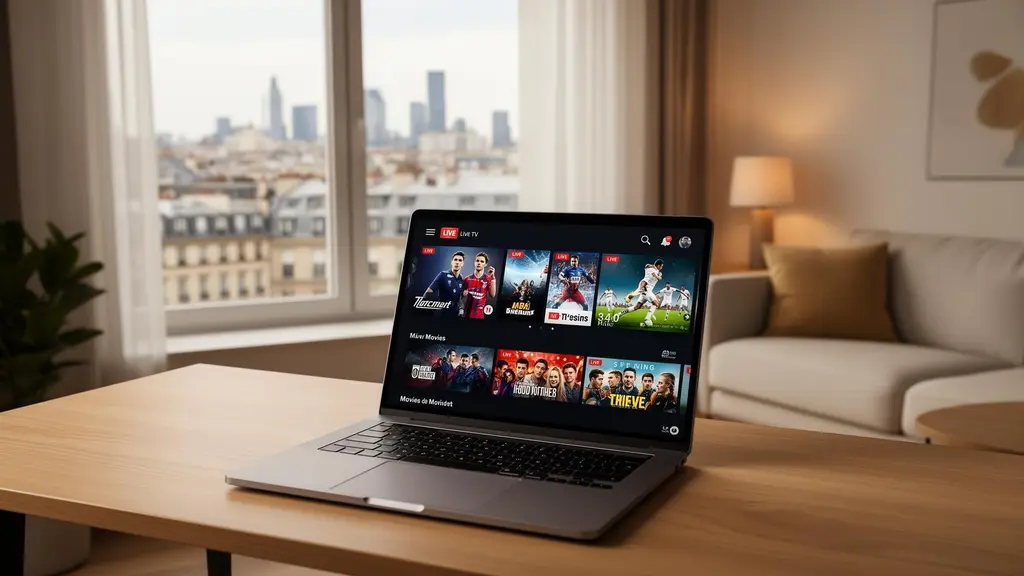
Laptops & PCs
Windows and Mac, with a full TV guide or quick playback in VLC.
- MyIPTV Player
- VLC
How it works
From choosing a plan to watching on your TV.
Choose a plan
Pick the number of screens, the plan and the length. The full price is shown before you pay. How ordering works.
Get your login
Your login details arrive by email with the setup guide for the device you told us about.
Install an app and sign in
Install a player such as IPTV Smarters Pro, enter your details and your channels load.
Setting up takes minutes
On most devices setup takes a few minutes. The longest step is usually installing the player app, especially on a Fire TV Stick, where you first allow apps from outside the Amazon Appstore.
- Install IPTV on a Fire TV StickThe most popular setup in the UK
- Sign in with Xtream CodesServer, username and password
- Add an M3U playlistFor VLC, Kodi and smart TV apps
- Fix common problemsBuffering, login errors, missing channels

Why people choose us
Straight answers about the law
Plenty of IPTV sellers avoid the question. We explain what UK law says, how to recognise illegal services and why they get blocked.
No invented promises
No made-up reviews, countdown timers or fake discounts. What is on this site is what you get.
Help when you need it
People who know the apps and devices. Support hours: support hours.

Frequently asked questions
What is IPTV?
IPTV (internet protocol television) delivers TV over your broadband connection instead of an aerial, satellite dish or cable. You watch through an app on a smart TV, streaming stick, phone or computer. Our guide to IPTV explains how it works.
Which devices can I use?
Amazon Fire TV Stick, Android TV and Google TV devices, Samsung and LG smart TVs, Apple TV, iPhone, iPad, Android phones, Windows PCs and Macs. Each has its own device guide with the recommended app.
How fast does my broadband need to be?
As a rough guide, a steady 10 Mbps or more per stream suits HD and 25 Mbps or more suits 4K. Stability matters as much as speed, so a wired connection or a strong Wi-Fi signal makes the biggest difference. See buffering fixes if streams pause.
Is there a trial?
Yes. New customers can take a 1-month trial for £10 on the device they actually use. Conditions are on the trial page.
How do I receive my login details?
After you order, your login details and the setup guide for your device are sent to the email address you use at checkout. You then sign in to a player app such as IPTV Smarters Pro or TiviMate.
Is IPTV legal in the UK?
IPTV is a delivery technology, and it is legal. What matters is whether the provider has the rights to the channels it streams. Our plain-English guide, Is IPTV legal in the UK?, explains the law and the warning signs of illegal services.
Support and contact
Questions before you buy, or help with setup after.
- support email
- Hours
- support hours
- Reply time
- typical reply time
Payment
You pay once for the period you choose, and the total is shown before you pay.
- Methods
- accepted payment methods
- Currency
- Pounds sterling (£)
Ready to pick a plan?
Choose how many screens and how long, compare the plans, and see the full price before you pay.