1. The app won’t open, or closes straight away
Go to Settings > Applications > Manage installed applications, choose the app, then Force stop and Clear cache. If it still fails, Clear data and sign in again, or reinstall it. See Smarters fixes.
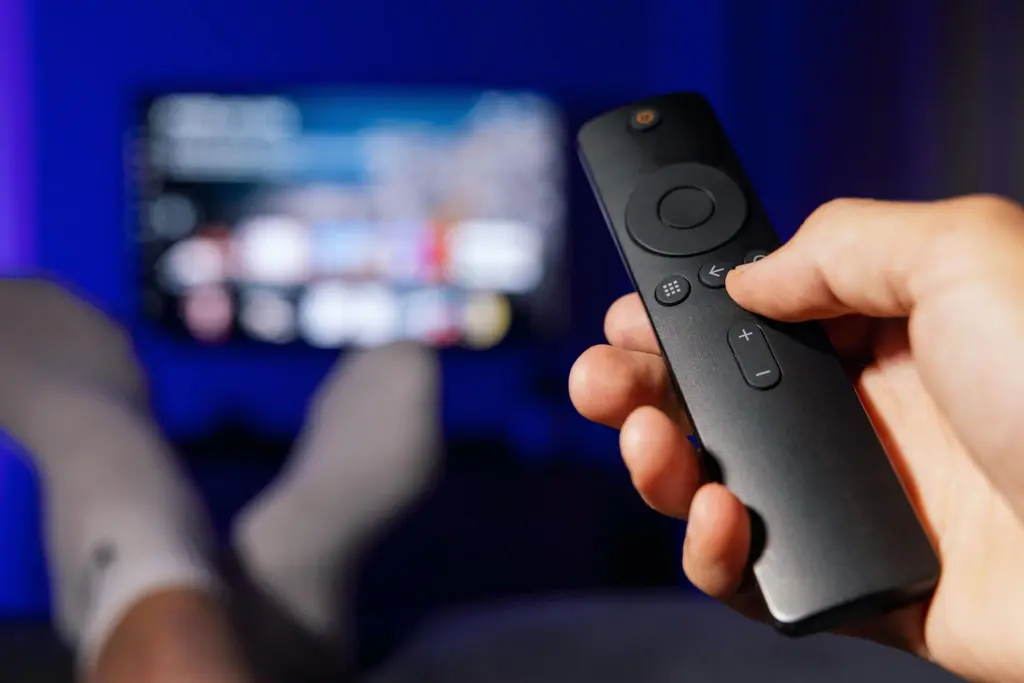
2. Low storage
Fire TV Sticks have limited storage. In the same menu, uninstall apps you do not use, and make sure Downloader’s installation files are deleted. Aim to keep at least 1 GB free.
3. Power problems
Use the mains adapter that came with the stick. TV USB ports often cannot supply enough power, which causes freezing, restarts and Wi-Fi drop-outs.
4. Weak Wi-Fi behind the TV
Use the HDMI extender to move the stick away from the back of the TV, or add an Ethernet adapter. Check the signal in Settings > Network.
5. Buffering
See the full buffering guide. For Fire TV specifically, the 4K Max copes best with live sport and big channel lists.
6. “App not installed”
Free up storage, then download the installation file again. A partial download often causes this error.

7. Can’t install apps at all
Check Settings > My Fire TV > Developer options > Install unknown apps is switched on for Downloader. An update can occasionally reset it. If your device runs Vega OS, it cannot install apps from outside the Amazon Appstore. See the device guide.
8. Remote not responding in the app
Restart the stick by holding Select and Play/Pause together for five seconds. Replace the remote batteries if the problem keeps coming back.
9. Everything was working, then stopped
Check the service status, restart the router and the stick, then contact support if it continues.